
Live Monitoring of Cardholders
Live Monitoring of Cardholders
-
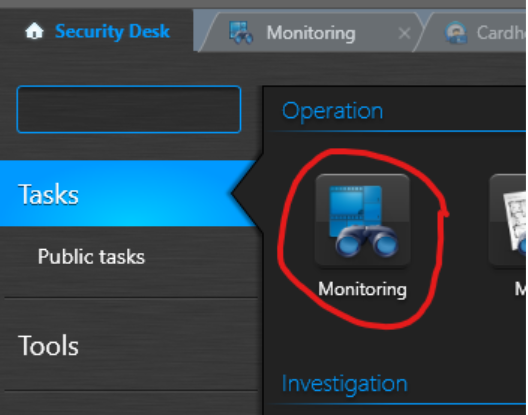
In Security Desk Choose “Monitoring”
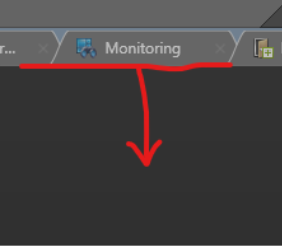
In the monitoring window, click and drag the row line down to show the event area.
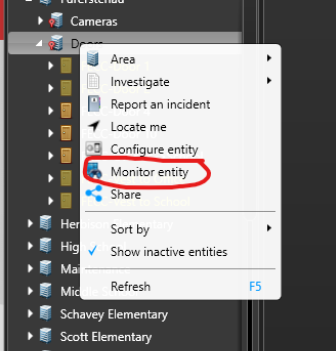
Right Click in the Tree on the left and choose “Monitor Entity”
You may also do this for a single door or camera.
You may also choose multiple areas by holding shift and then right clicking after your selection.
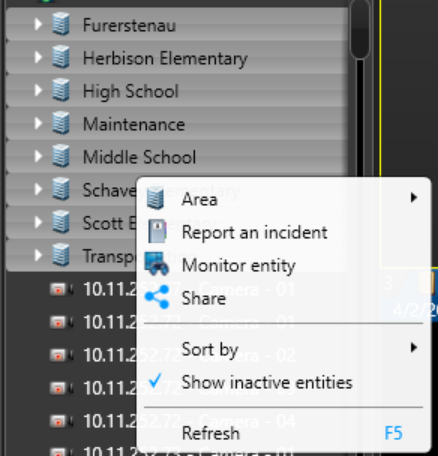
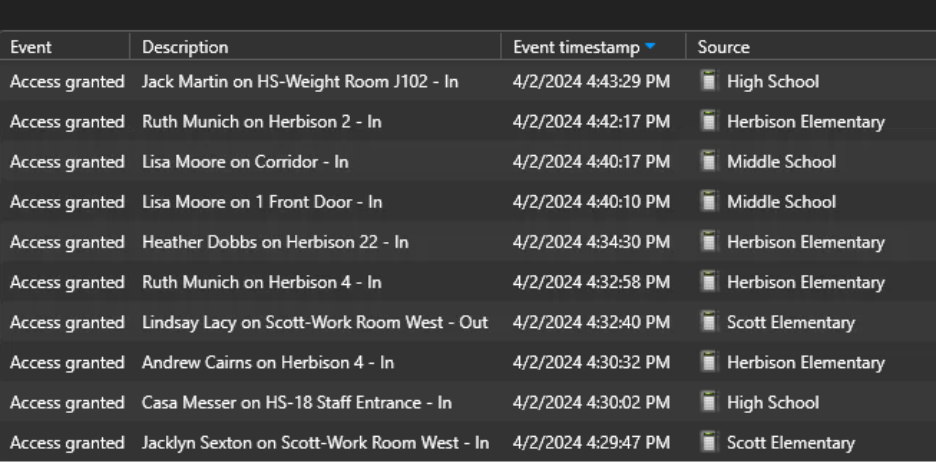
Event log will then show live run, so you can assist someone of the phone.
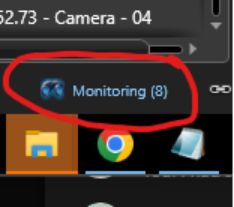
You can manage this monitoring in the tiles by clicking “Monitoring” at the bottom
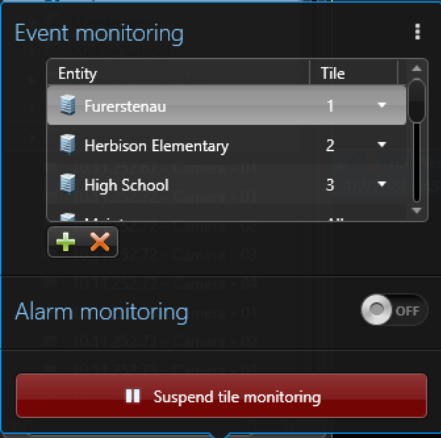
Now you can manage the monitoring of events
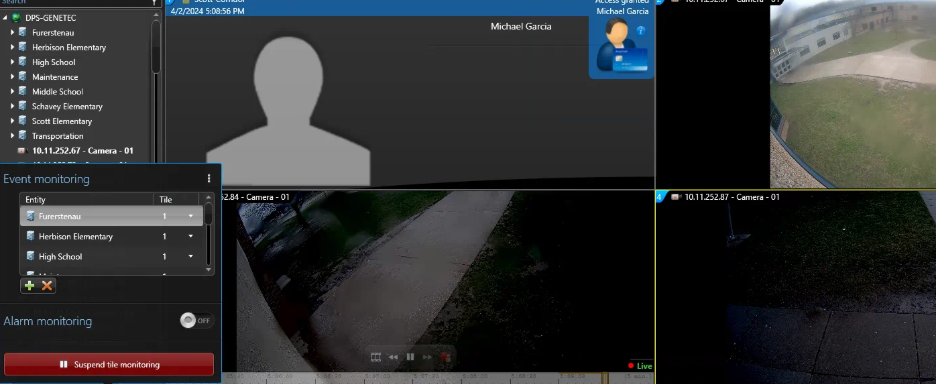
This is useful if you want this running as well as some cameras. Having All Entity’s going to 1 Tile
No comments to display
No comments to display